Levan Zerekidze

Graphic & Motion Designer

Nine years turning briefs into brand, motion and social work — now building the AI-powered systems that produce performance creative at scale. I've led design teams and run creative for companies across Europe.

BasedTbilisi, Georgia
Emailleozer1121@gmail.com
Phone+995 (557) 526 567
Status Open to new work
01

Selected Work

Case Study · Automation & Product

CR Mixer — from a 3-hour assembly grind to a 5-minute pipeline

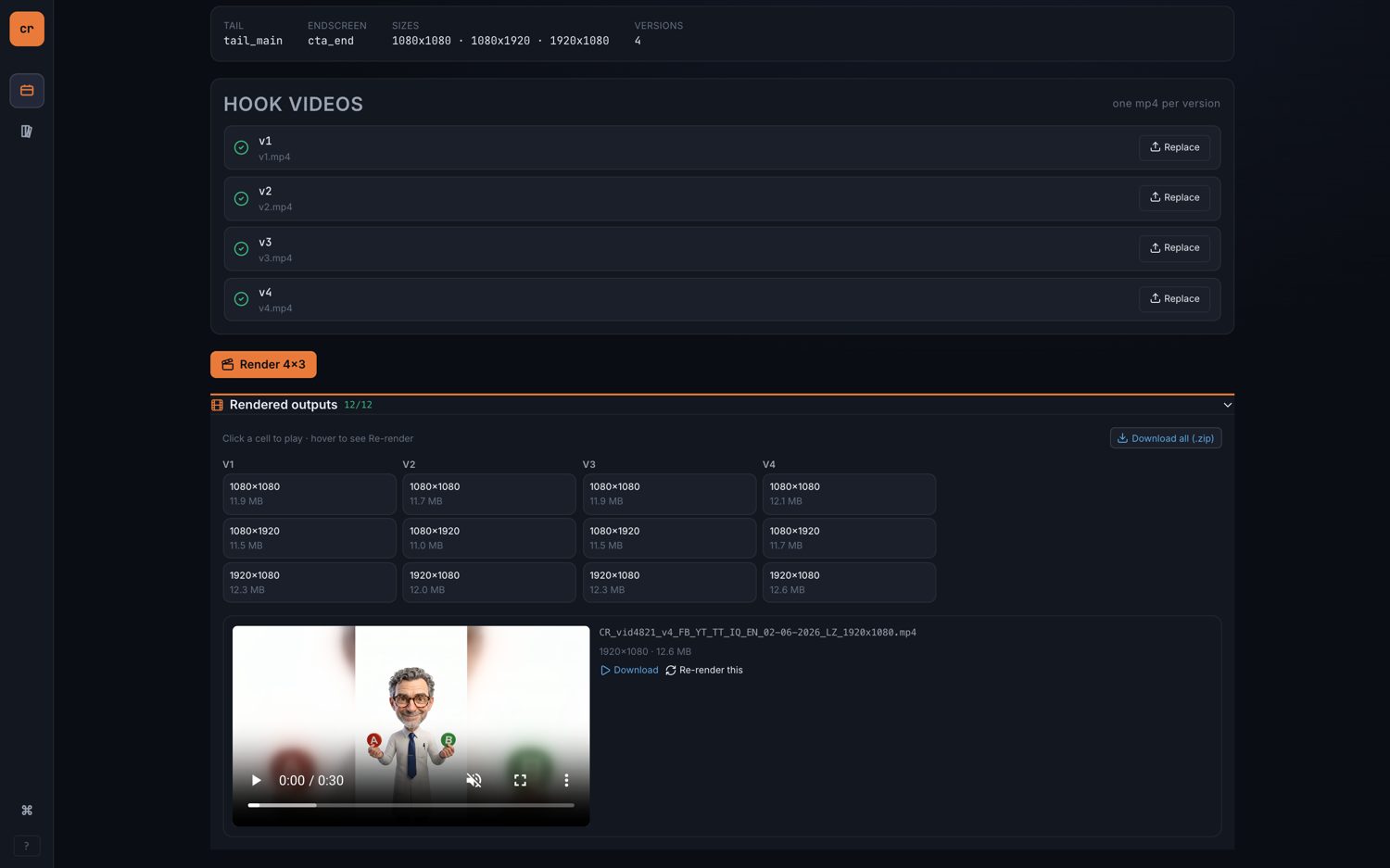
CompanyRuby Labs RoleDesigner & builder — concept, UX and engineering Year2026 StackReact · FastAPI · Python + FFmpeg

The team's biggest time sink wasn't designing ads — it was assembling them. So I designed and built the system that does the assembling.

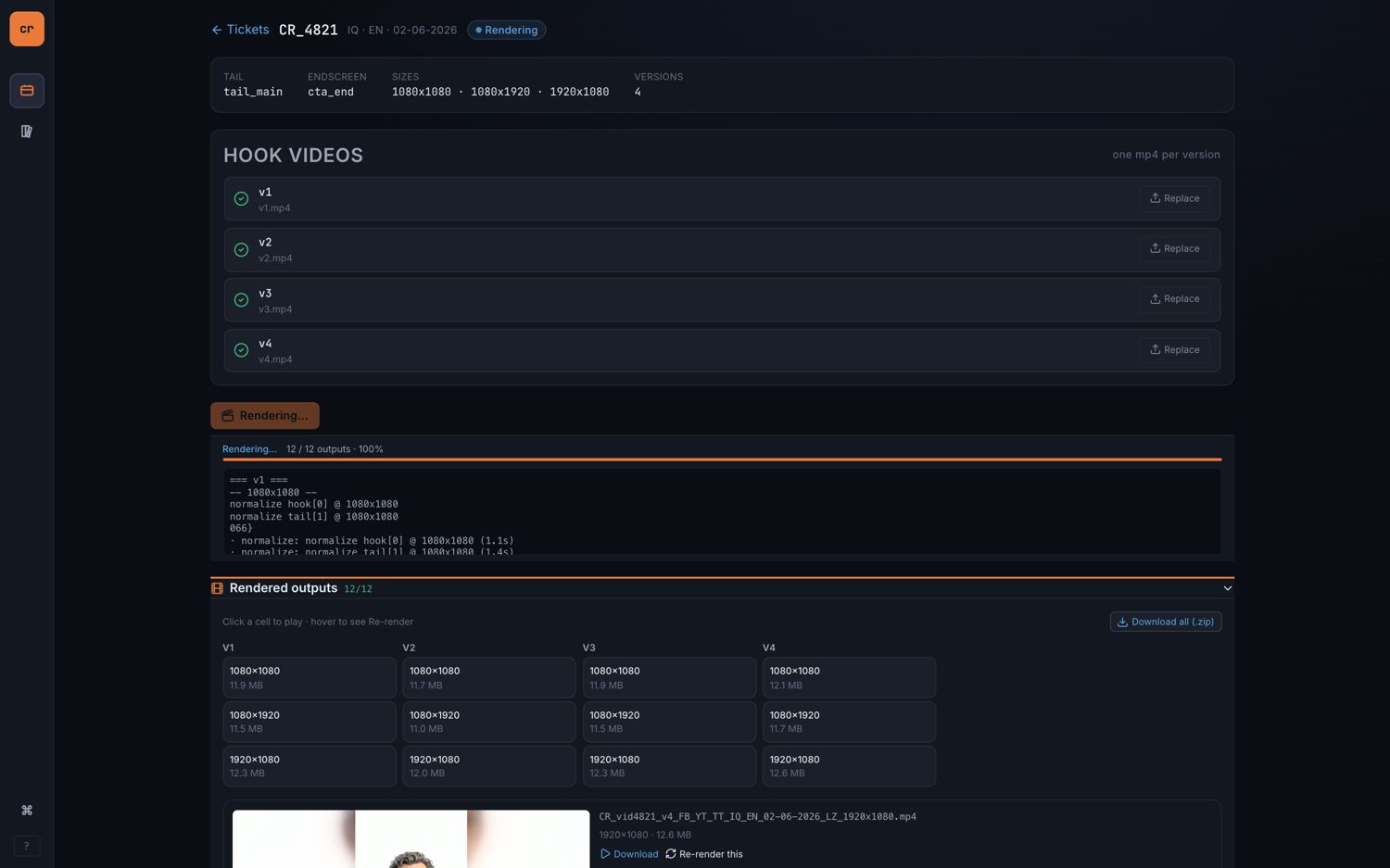
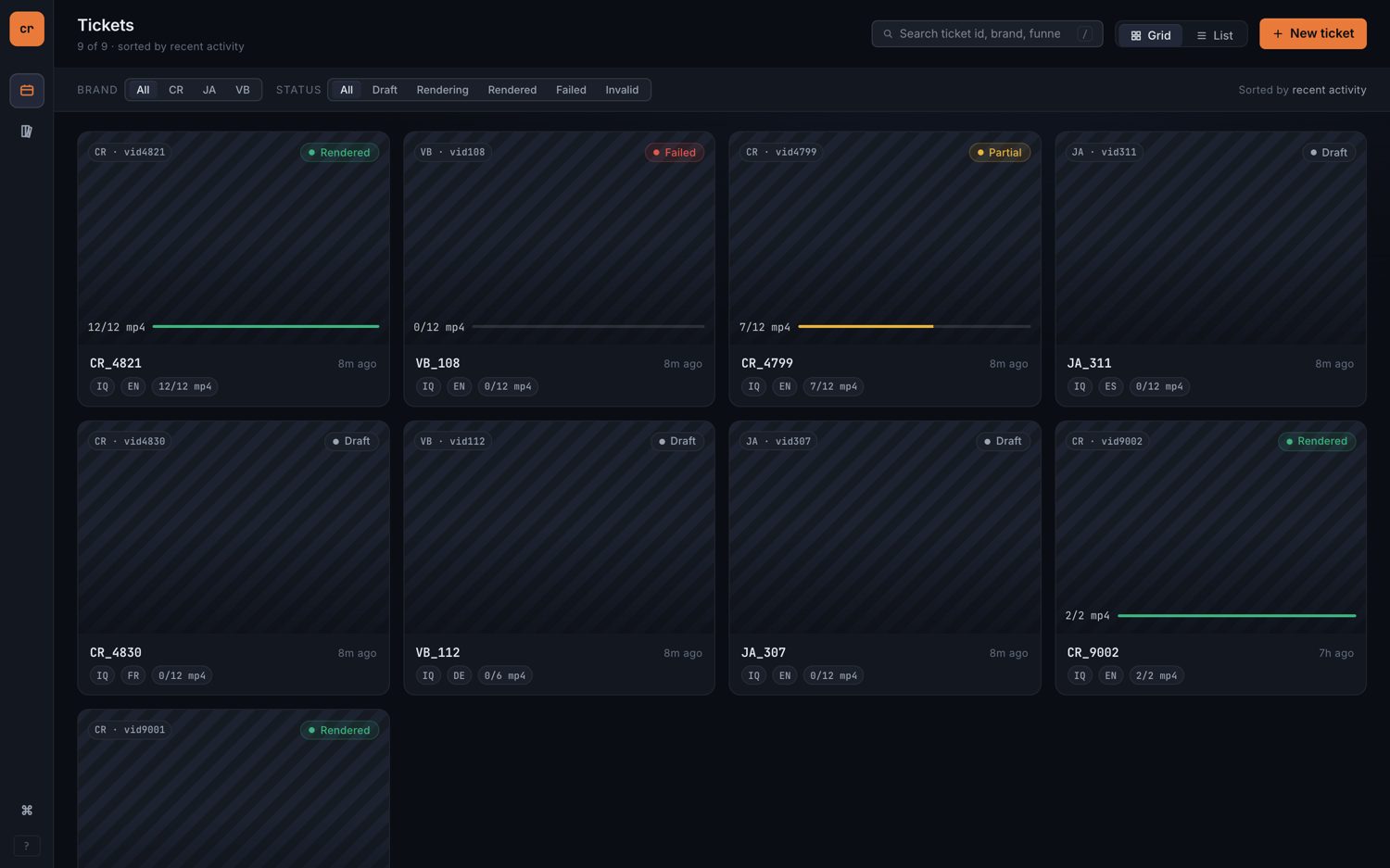
CR Mixer tickets dashboard — every ticket's status and output progress

Problem

A single creative ticket took around three hours, and roughly 83% of that was mechanical: normalising clips, concatenating hook + tail + endscreen, mixing audio, then eyeballing every output — the same steps repeated for each size and language.

The insight

Every ad is the same shape — hook + tail + endscreen — and the hook is the only real variable. If a library holds the reusable parts, assembly stops being a manual edit and becomes a pick-and-render job.

What I built

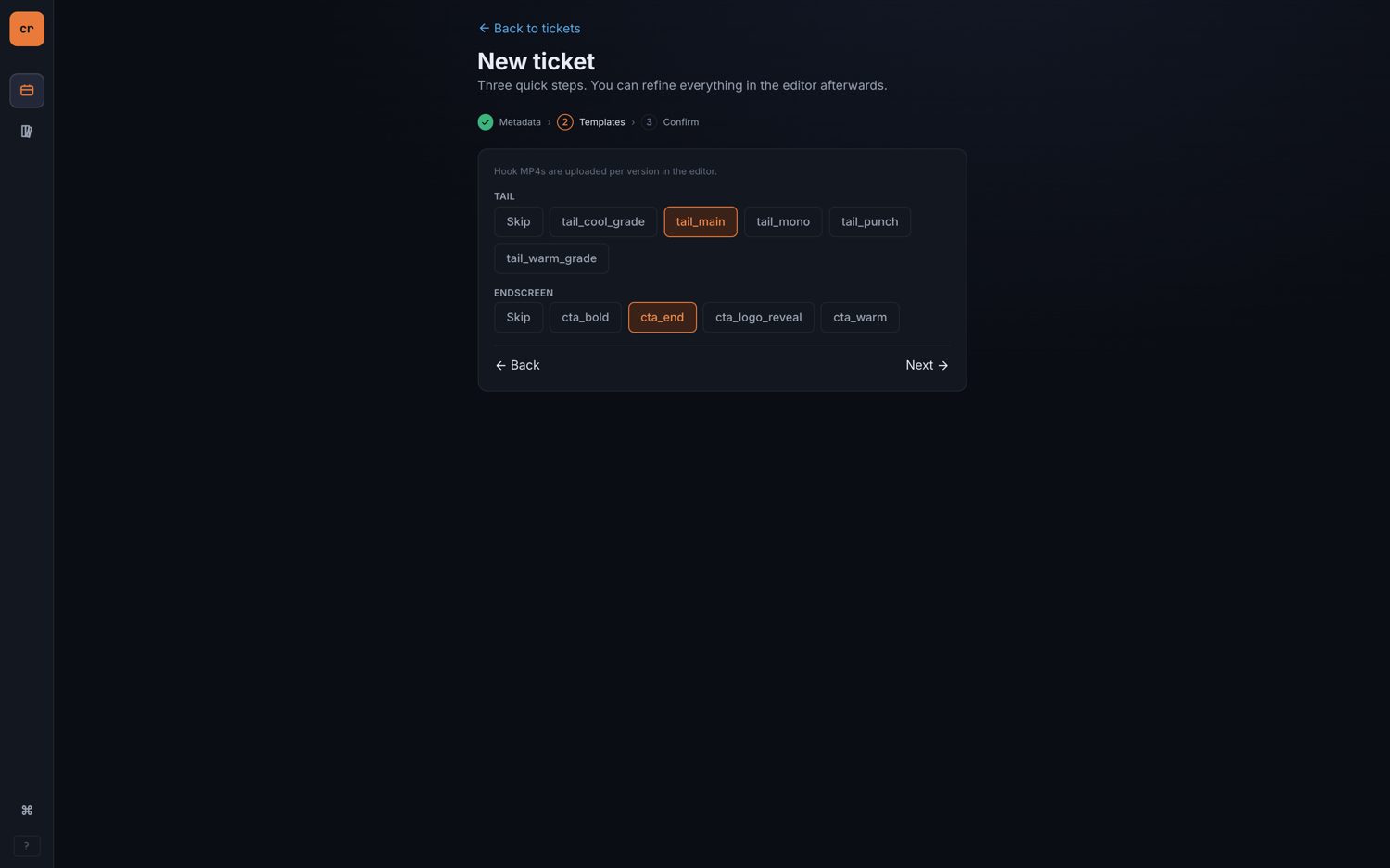
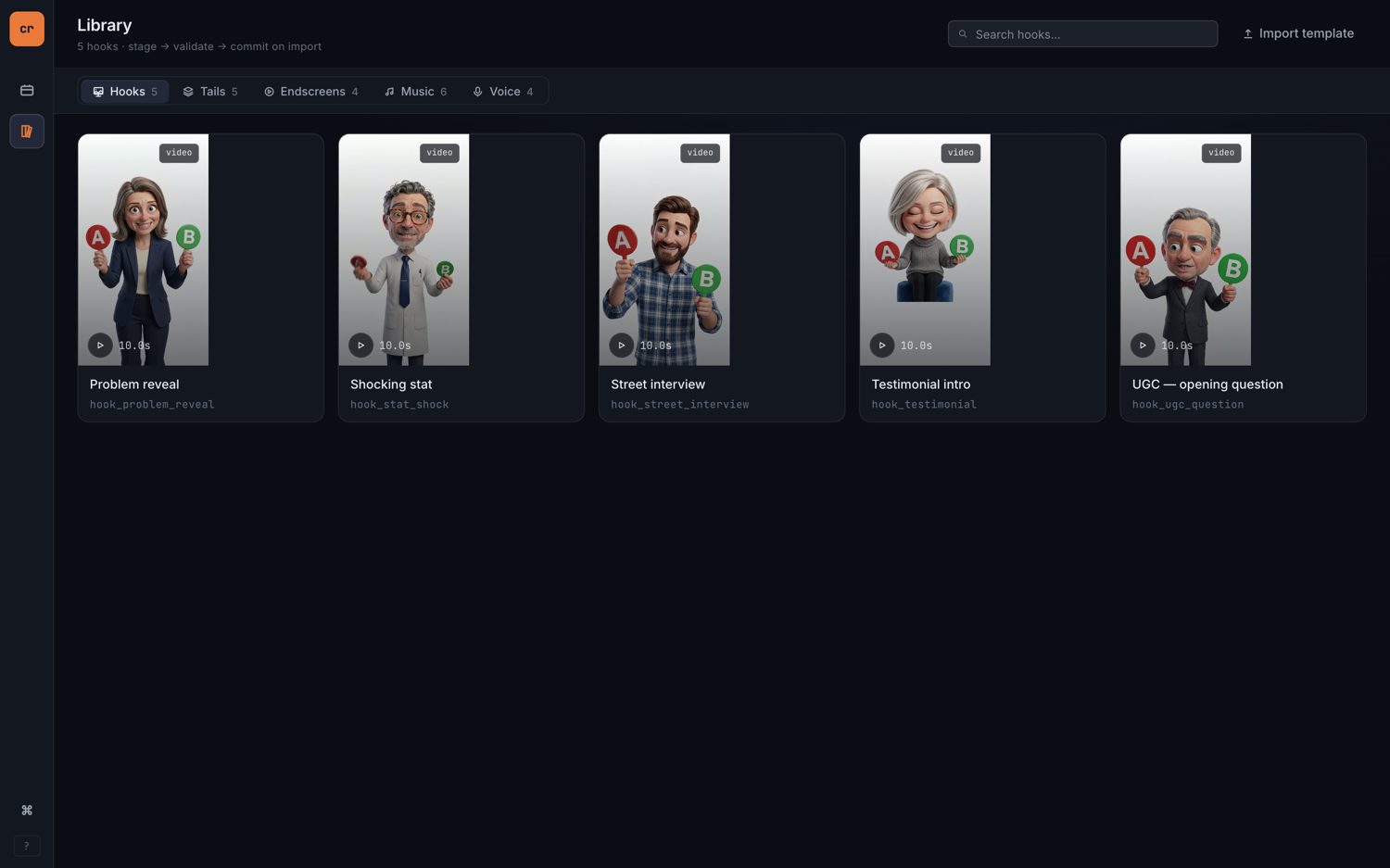
CR Mixer, an internal web app: a component library for hooks, tails, endscreens, music and voice; a three-step wizard to spin up a ticket; an FFmpeg-driven engine that assembles and renders every output; and a dashboard tracking status and progress. Audio is tracked as cleared-for-ads.

How it works

A React front end over a FastAPI service, with a Python engine orchestrating FFmpeg through a fixed pipeline. The same logic runs from a CLI and is covered by tests, so a render is reproducible whether it's triggered from the UI or a script.

The assembly pipeline
normalize concat mix audio verify out/
3h → 1h
total time per ticket
~5 min
hands-on, then it renders itself
~3×
throughput across the team
12 in 85s
outputs rendered, measured
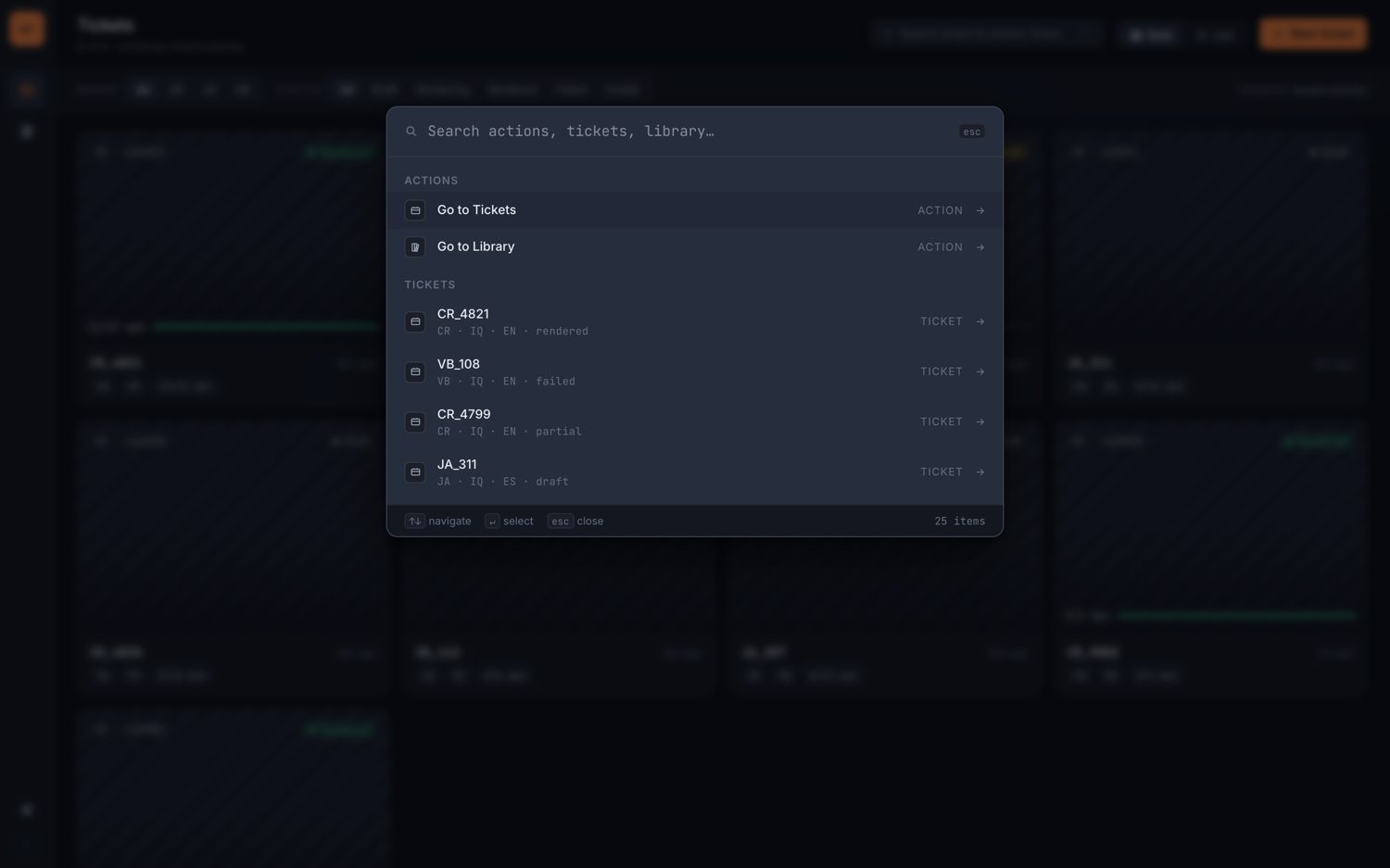
Command palette

Under the hood

  • React
  • FastAPI
  • Python
  • FFmpeg
  • CLI parity
  • Automated tests
  • Component library
  • ⌘K command palette

Scope

Mixer handles assembly and rendering — not creative direction. The hooks still come from the team; the system removes everything mechanical that happens after. Screens shown here run on seeded demo data.

Artifacts: live web app (React / FastAPI / Python + FFmpeg), command-line tool, test suite and a walkthrough deck. Internal tooling — production code is private; happy to demo or walk through the architecture on request.

Case Study · Automation & Tooling

LabAssistant — an After Effects panel that builds a campaign's entire comp tree from a single form

CompanyRuby Labs Role2D Graphics & Motion Designer — internal tooling Year2026 StackCEP extension · ExtendScript · HTML / CSS / JS

The design team produces performance-ad creative at volume — the same concept rebuilt across versions, platforms, resolutions and languages. I built the panel that produces all of it on demand.

Kickoff form one ticket · one submit Versions · V1 V2 V3 Platforms · FB TT YT… Resolutions per platform Languages + globals LabAssistant modular ExtendScript, running inside After Effects Full comp tree 1080×1920 1080×1080 1920×1080 1080×1350 1080×1920 1080×1080 1920×1080 1080×1920 + more auto-sized · template-named · endscreens & blurred backgrounds added

One Kickoff submission expands into every composition a ticket needs — correctly sized, named to convention, and pre-assembled.

Problem

Every creative ticket meant hand-building dozens of After Effects compositions — each at the right size, named to a strict template convention, with endscreens, blurred wide-format backgrounds and disclaimers added manually. It was slow, repetitive, and easy to ship a wrong size or a broken name. An older ScriptUI panel covered only a sliver of it.

What I built

LabAssistant — an in-house After Effects panel (a CEP extension) organised into three tabs: Kickoff, Tools and Export. The Kickoff tab is the centrepiece: a single form that generates a ticket's entire comp tree in one click, with the day-to-day production tools and a one-click export pipeline sitting alongside it.

How it works

The real leverage is structural. For each version, the shared elements — video, headline, caption — live in global comps, and every output size references those same globals. Edit a headline once and all three sizes update; nothing is rebuilt per format. Underneath, the panel is a web UI driving ExtendScript inside After Effects through a promise-based bridge — each feature an auto-loaded module that sizes and template-names every comp, folders them by version, imports the brand endscreen and generates blurred backgrounds for wide formats.

Result

What used to be an afternoon of manual comp-setup per ticket is now a single form submission. The panel runs daily across the design team on After Effects 2024–2026, macOS and Windows, and replaced the legacy script approach entirely — consistent sizes, consistent names, zero copy-paste.

Global comps · per version Video — V1 Headline — V1 Caption — V1 edit once → 1080×1920 1080×1080 1920×1080 each size references the same globals — no per-format re-editing

Edit a global comp once — the change flows to every size that references it.

~3–4 hrs
of manual setup saved every day
1 form
generates a ticket's full comp tree
9+ tools
production + export, one panel
AE 2024–26
macOS & Windows, used daily

In the panel

  • Kickoff
  • Sequence Layers
  • Templates
  • Silence Cut
  • Endscreen Trim
  • Duplicate Variation
  • Batch Rename
  • Export Queue → AME
  • Select Comps
  • Diagnostics

Under the hood

kickoff.jsx
// build every comp in the ticket's tree — one folder per
// version, one comp per platform × resolution, auto-named
versions.forEach(function (v) {
  var folder = ensureFolder("v" + v.id, root);
  v.platforms.forEach(function (p) {
    p.resolutions.forEach(function (res) {
      var size = parseResolution(res);
      var name = templateName(brand, p.code, res, v.id);
      var comp = createComp(name, size.w, size.h, dur, fps, folder);
      if (isWide(size)) addBlurredBackground(comp, base);
      importEndscreen(comp, brand);
    });
  });
});
A second script · Localization

localize-assembler — turn one finished ad into 30 languages × 3 sizes, automatically

A standalone script that builds an entire localization pipeline inside After Effects. For each locale it assembles a master timeline — hook, voiceover, tail and endscreen stitched together with the right timing and CTA text — then spins up a deliverable comp for every output size, adding a blurred-background adaptation whenever the aspect ratio doesn't match. Every size variant references its master, so one edit propagates to all of them. The script assembles; I review and render.

MASTER_{LOCALE} timeline Hook Tail + Voiceover Endscreen −1s overlap Durations read from each locale's source files · every size variant references this master

Per-locale master assembly — built for all 30 locales in one run, then adapted to each delivery size.

localization output in the same day
30 langs
assembled per ticket, one run
3 sizes
per locale · blurred-bg adapted automatically
~5 sec
to build the full comp pipeline

What it handles

  • Per-locale master timeline
  • Hook / VO / tail / endscreen stitching
  • CTA text per language
  • Aspect-mismatch blurred backgrounds
  • Template-named deliverables
  • Skip / failure logging

Under the hood

localize-assembler.jsx
// one master per locale, then a deliverable comp per size
locales.forEach(function (loc) {
  if (loc.skip) return log(loc.code + " skipped");
  var pre    = buildLocalePrecomps(loc);   // hook · vo · tail · endscreen
  var master = buildMaster(loc, pre);        // timed + CTA text set
  sizes.forEach(function (size) {
    var comp = buildSizeVariant(master, size);
    if (aspectDiffers(master, size)) addBlurredBackground(comp, master);
  });
});

Artifacts: AE panel (CEP / ExtendScript) plus standalone production scripts, one-click installer, installation & usage docs. Internal tooling — code is private, but I'm happy to walk through it live or share a redacted excerpt on request.

Case Study · Knowledge Systems & AI Ops

A creative knowledge base that learns from every ticket

CompanyRuby Labs RoleDesigner & systems architect Year2026 StackMarkdown wiki · AI agents · Python tooling

The team produces ads with AI generation tools that are expensive and non-deterministic. I built the system that makes them reliable — a knowledge base where every ticket's mistakes become permanent, reusable rules, so the operation gets smarter the more it runs.

Research vault · 91 notes Wiki trigger-loaded rules Agent runs ticket loads only what it needs Process report the mistake → a rule Review session mines + approves approved rules fold back in — agents never self-edit the wiki

The spine is a feedback loop: rules guide the agent, the agent reports what it learned, review folds the good lessons back into the wiki.

Problem

AI generation tools are non-deterministic and costly. Agents re-discovered the same prompting lessons every session and repeated solved mistakes, because nothing persisted between runs — every burned credit bought knowledge that evaporated.

The idea

Close the loop. Every ticket ends in a generalized process report — the failure and the rule that prevents it next time. A review pass mines those reports for patterns and folds approved rules into the wiki. Agents never edit the wiki themselves, so it only ever gets better, never noisier.

What I built

A ~24-file trigger-loaded wiki of production rules, an upstream 91-note research vault, a write-only reporting system (40+ process reports), and a pattern-miner → review workflow that governs every change. Then I packaged the whole thing as a plugin and setup kit so another designer can adopt it in minutes.

Why it works

The wiki is trigger-loaded — rules load only when relevant (before the first generation, or on an emotion or vocabulary keyword), keeping the agent's context lean. Reports are forced to be general, not project anecdotes. And because change flows through one reviewed door, knowledge compounds instead of drifting.

~24
wiki rule files, trigger-loaded
91 notes
research vault feeding the rules
40+
process reports captured
review-only
no agent self-edits the wiki

Inside the wiki

  • nanobanana_rules
  • kling_rules
  • veo_rules
  • emotion_recipes
  • prompt_vocabulary
  • brand_conventions
  • localization_workflow
  • music_licensing
  • problem_patterns · 23 failures
  • ae_expressions

The governing rule

Replace adjectives with mechanisms. "Lonely" or "cinematic" averages into generic output; the exact line quality, colour ratio or lip-sync token does not. The wiki's whole job is to turn vague briefs into specific, rule-driven prompts.

Built on real research, not hunches. The rules are distilled from a research foundation on the theory of art — composition, colour, the techniques different masters used, character archetypes, and the psychology of emotion. The wiki is the terse, production-ready surface of that deeper body of work.

The payoff — better prompts, better creative

Each clip below was produced by a prompt that visibly applies a wiki rule. Same tools as everyone else — the difference is the rule the prompt carries.

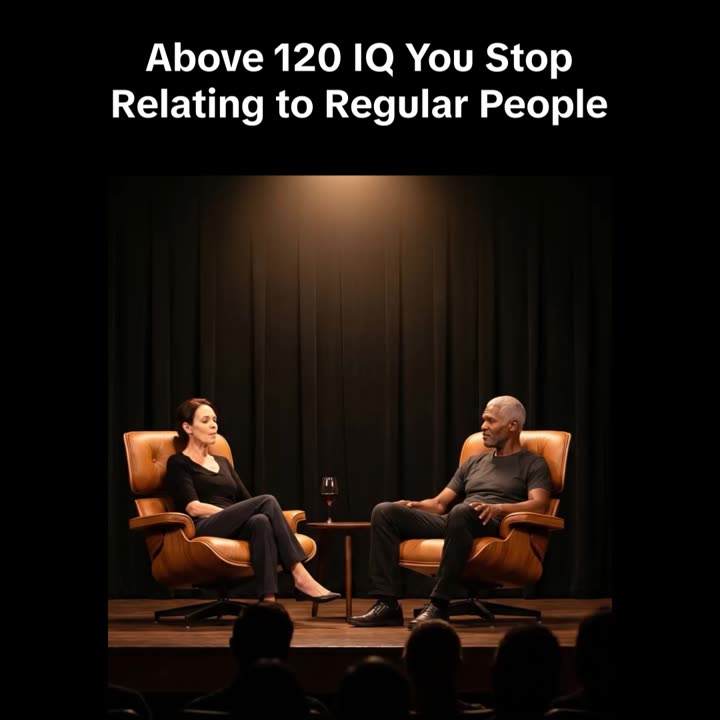
Man at the mirror
Nanobanana frame · Kling lip-sync downstream
"…warm greige walls (the dominant tone, ~60%), his charcoal
shirt holds the mid-ground (~30%), a single deep-teal towel is
the one cool accent (~10%)… lips gently closed in a calm
neutral resting expression."
Wiki rule: describe only what the camera sees — no emotion words — plus an explicit 60-30-10 colour split and a clean mouth_rest baseline so the downstream lip-sync starts clean. loneliness_realism
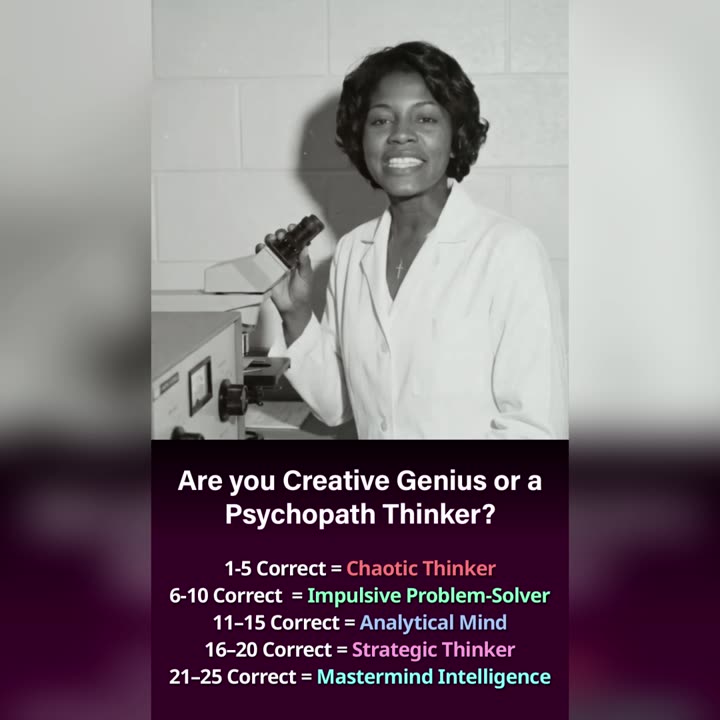
Vintage scientist — lip-sync
Kling 3.1 speak-mode · Nanobanana frame upstream
"…speaks directly into the lens… 'The psychopathic type of
thinking is often over-looked in adults.' Brief natural pause…
the hand gently cupping the round glass flask stays cupped
around it… The camera is locked."
Wiki rule: the full lip-sync stack — hyphenate the fragile word (over-looked), pause token, articulation booster, prop-grip lock, camera lock. The rules trace back to an earlier ticket's report, then got reused here verbatim — the loop in one prompt.

Artifacts: the wiki, the research vault, the reporting system, plus a distributable plugin and setup kit. Internal tooling — the clips above are real produced ads; structure and rules shown, production repo private.

02

Visuals

A selection of recent AI-generated ad creative I designed and directed across several brands — motion and stills, built with Nanobanana and Kling and finished in After Effects. Click any tile to play.

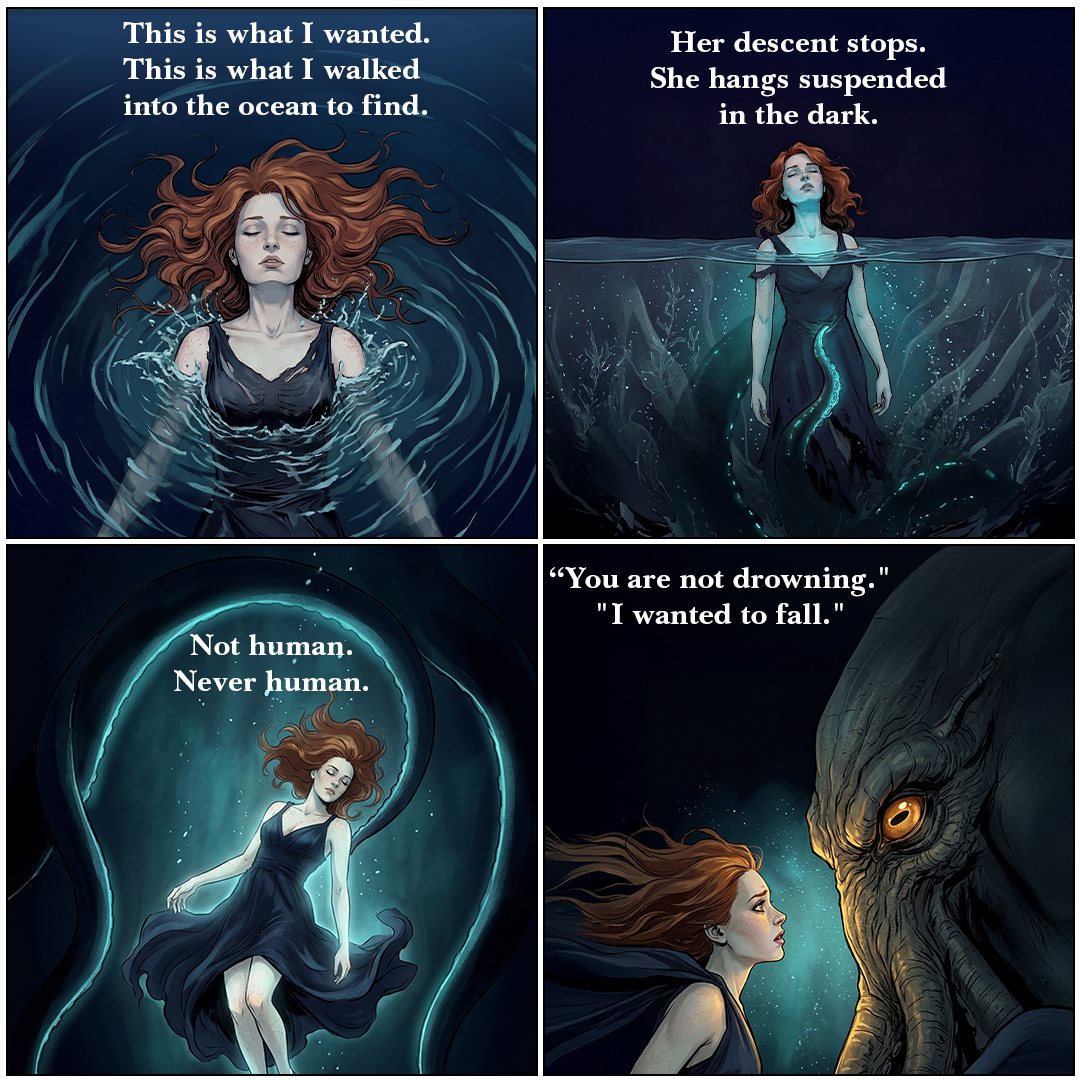
Narrative static
Debt of Blood banner
Selected earlier project · 2022–2024

Revenue Capital — Crypto social media

Social and campaign creative for a Polish crypto company and its partner brands, where I led graphic design through the pre-AI era.

Full project on Behance →
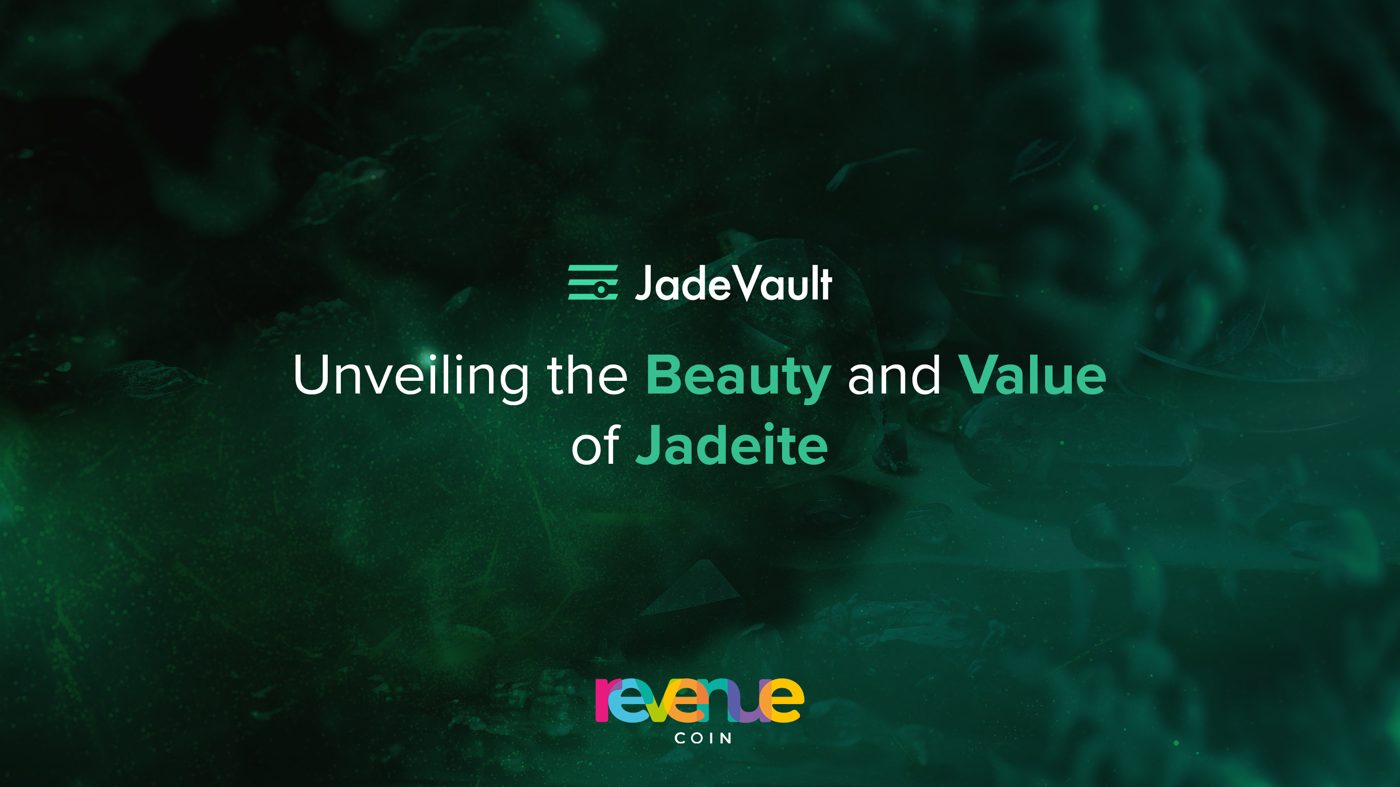
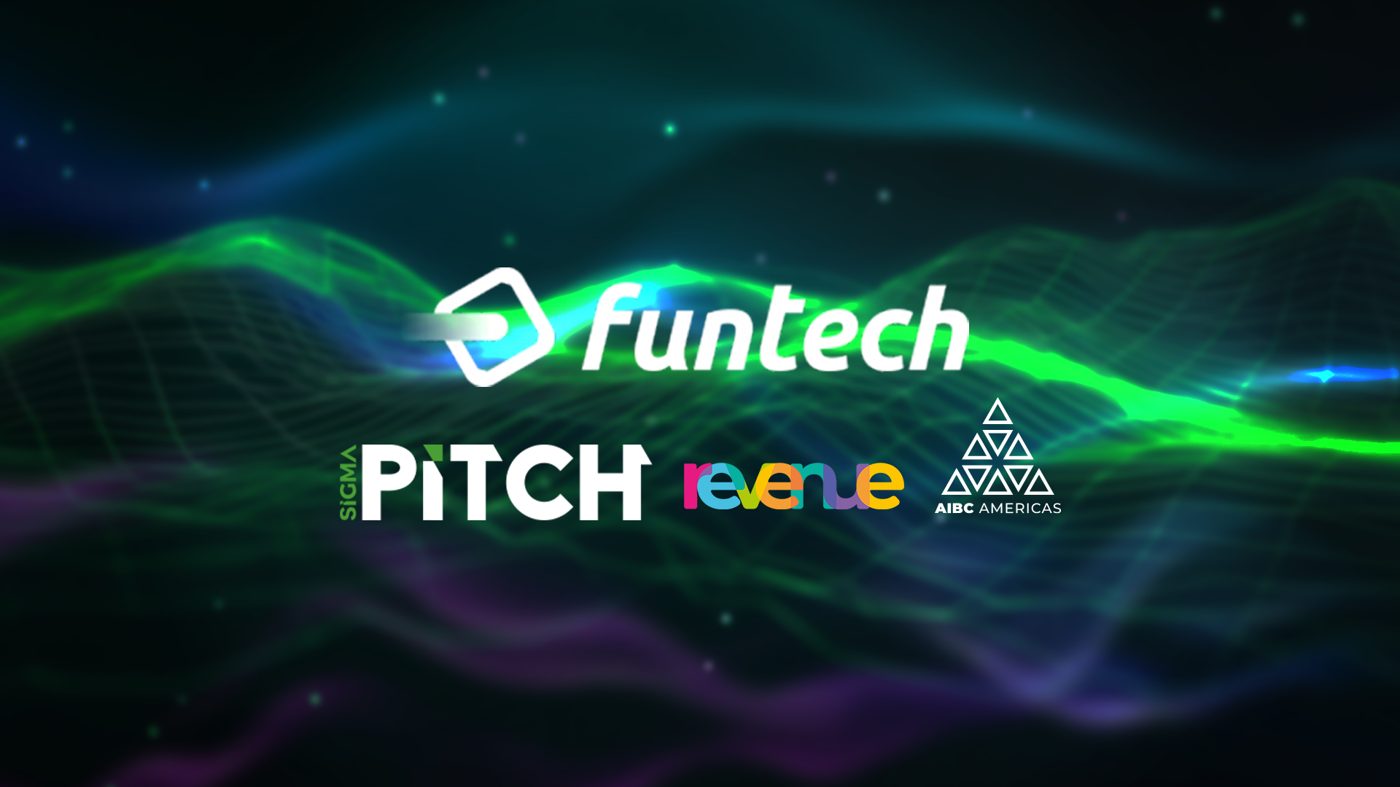
AMA session winners graphic JadeVault blog cover Funtech partnership graphic DEXER brand graphic AUFORT interview teaser
Passion project · Education for kids & teens

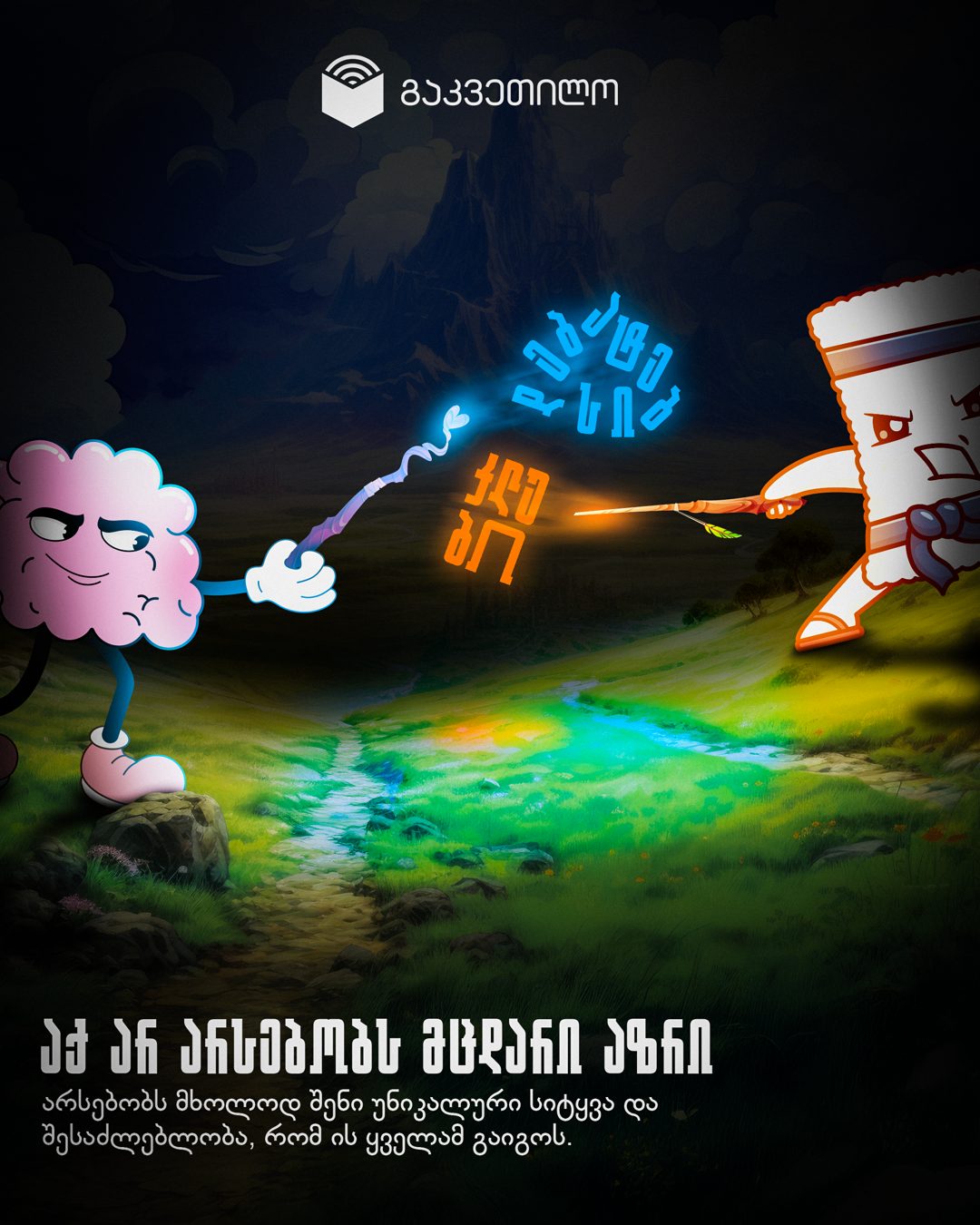
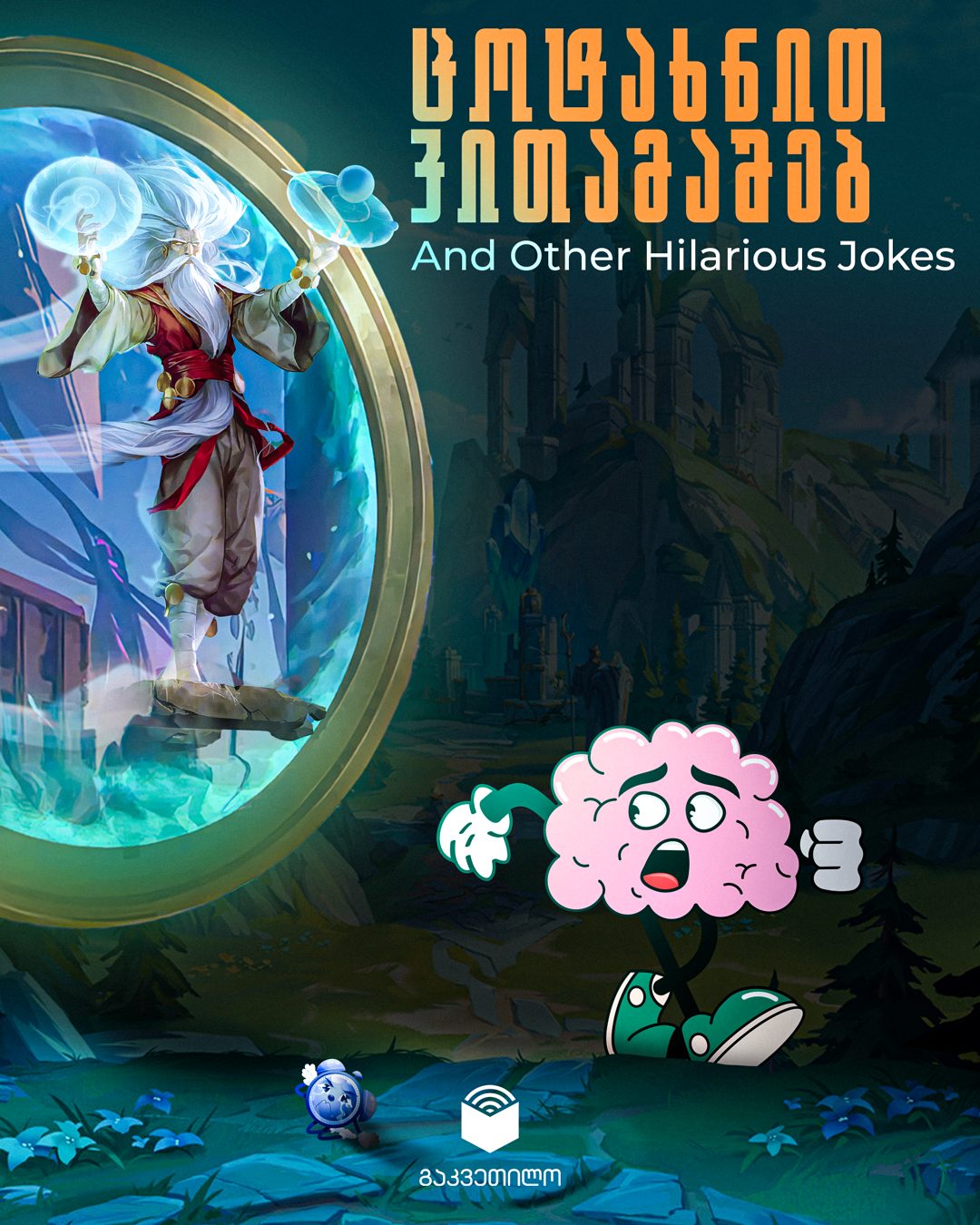
Gakvetilo

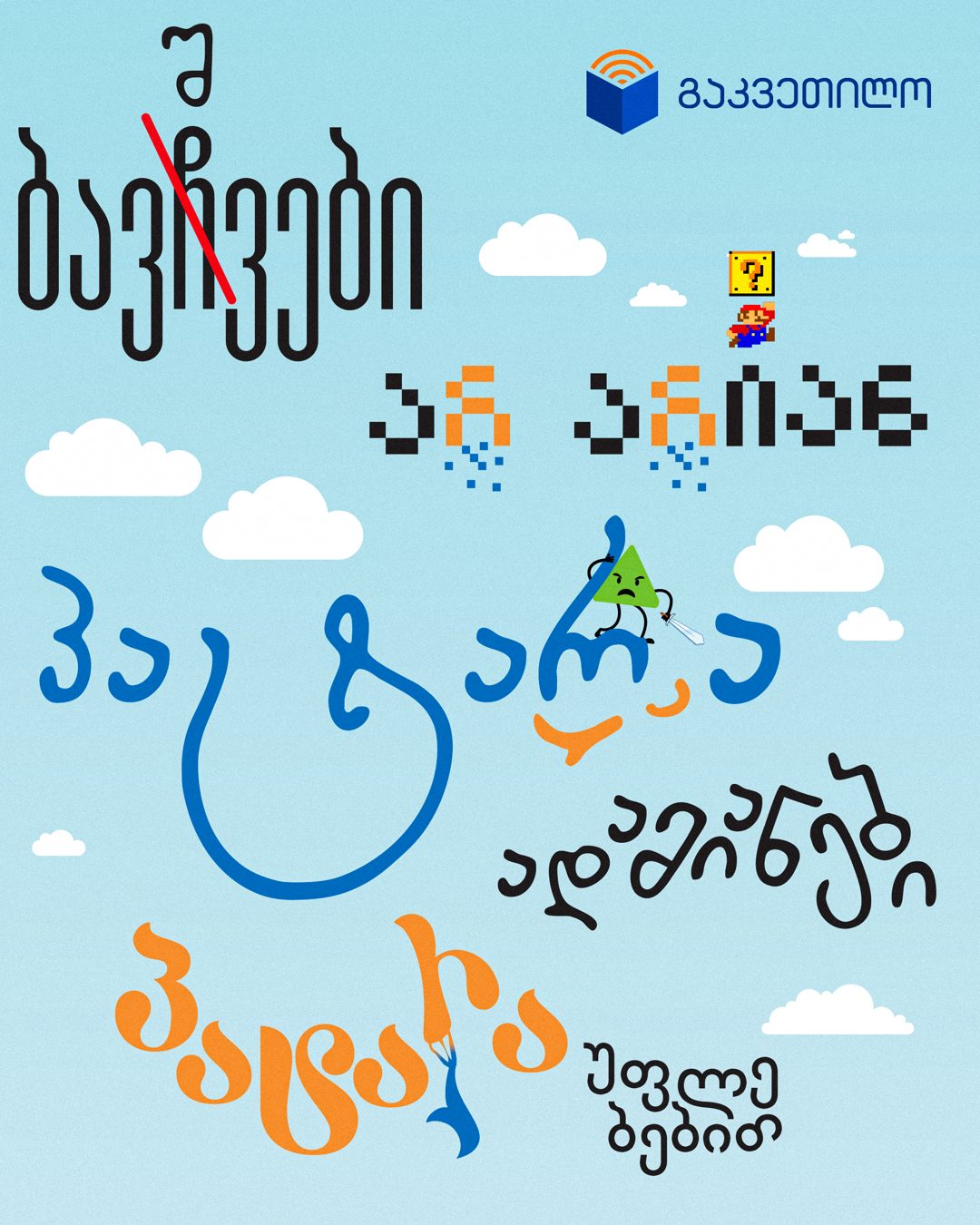
Gakvetilo cover

Gakvetilo — “lesson” in Georgian — is a learning brand and safe space where kids and teenagers pick up time management, money sense and self-management, and learn to step into the real world without silencing their inner child. As the UN Convention reminds us, children are not little adults with little rights.

Every time I worked on this project my own inner child came alive — leaping from letter to letter like a spark of magic. It became my escape from the weight of adulthood: a return to wonder, playfulness, and the freedom of being truly alive.

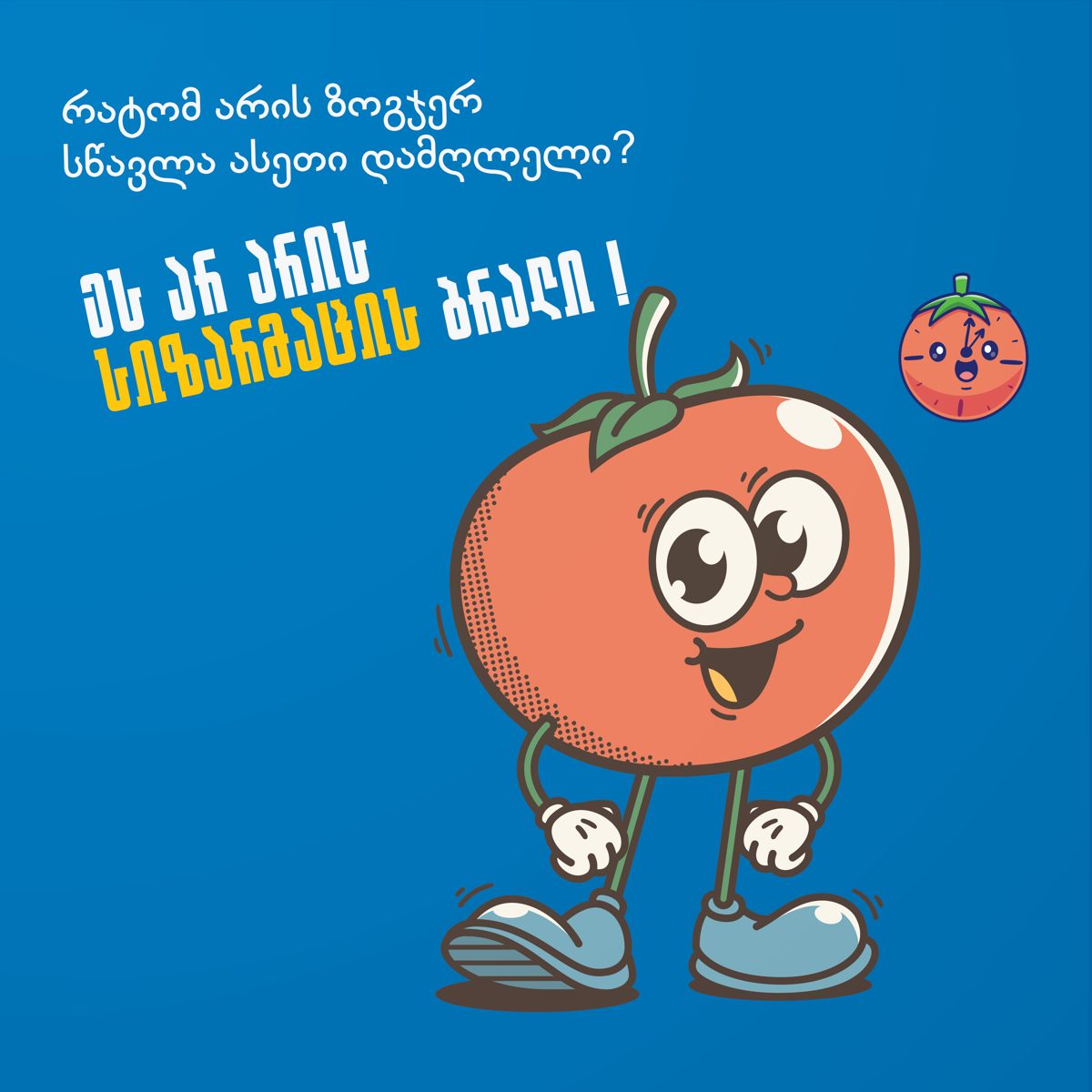
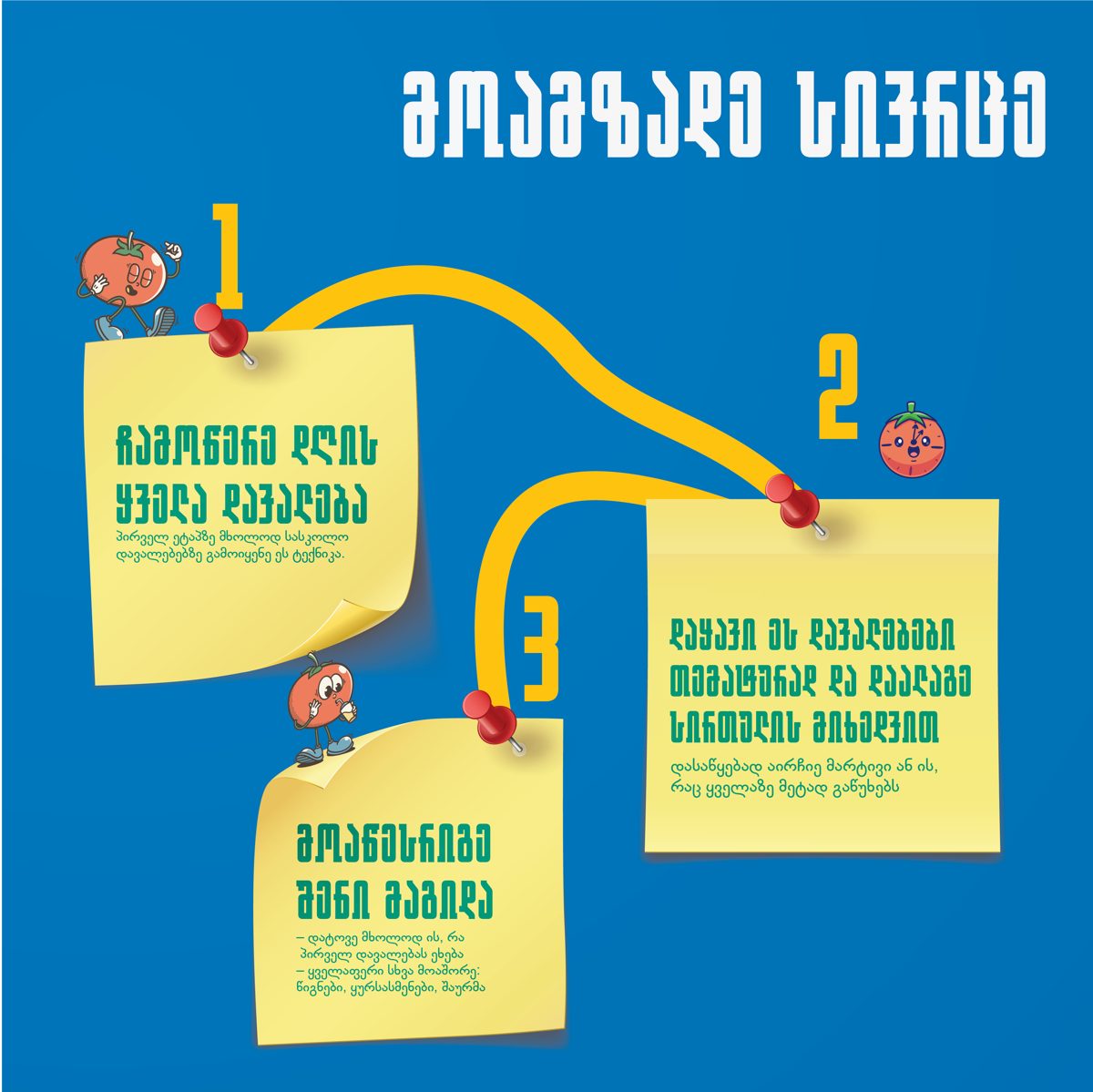
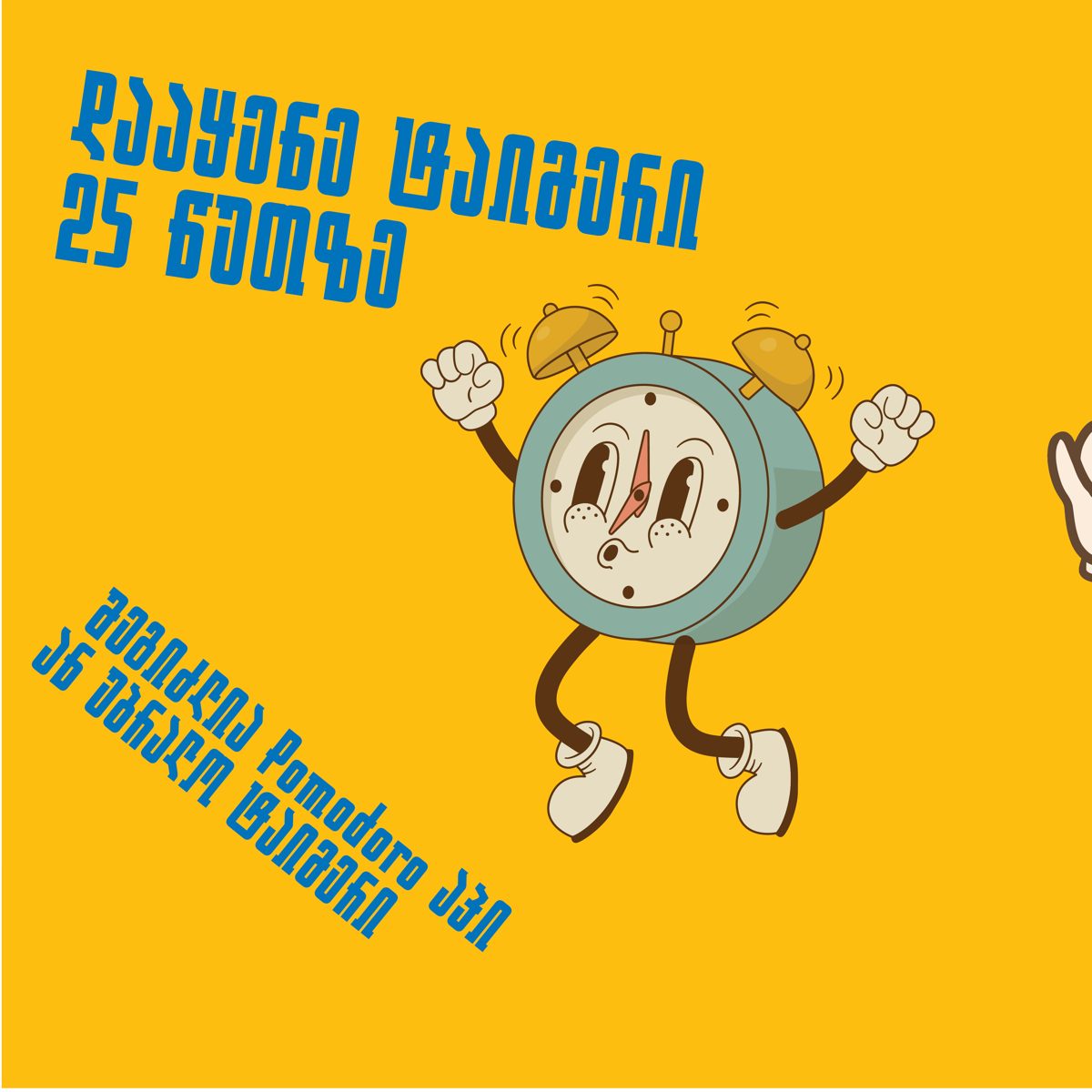
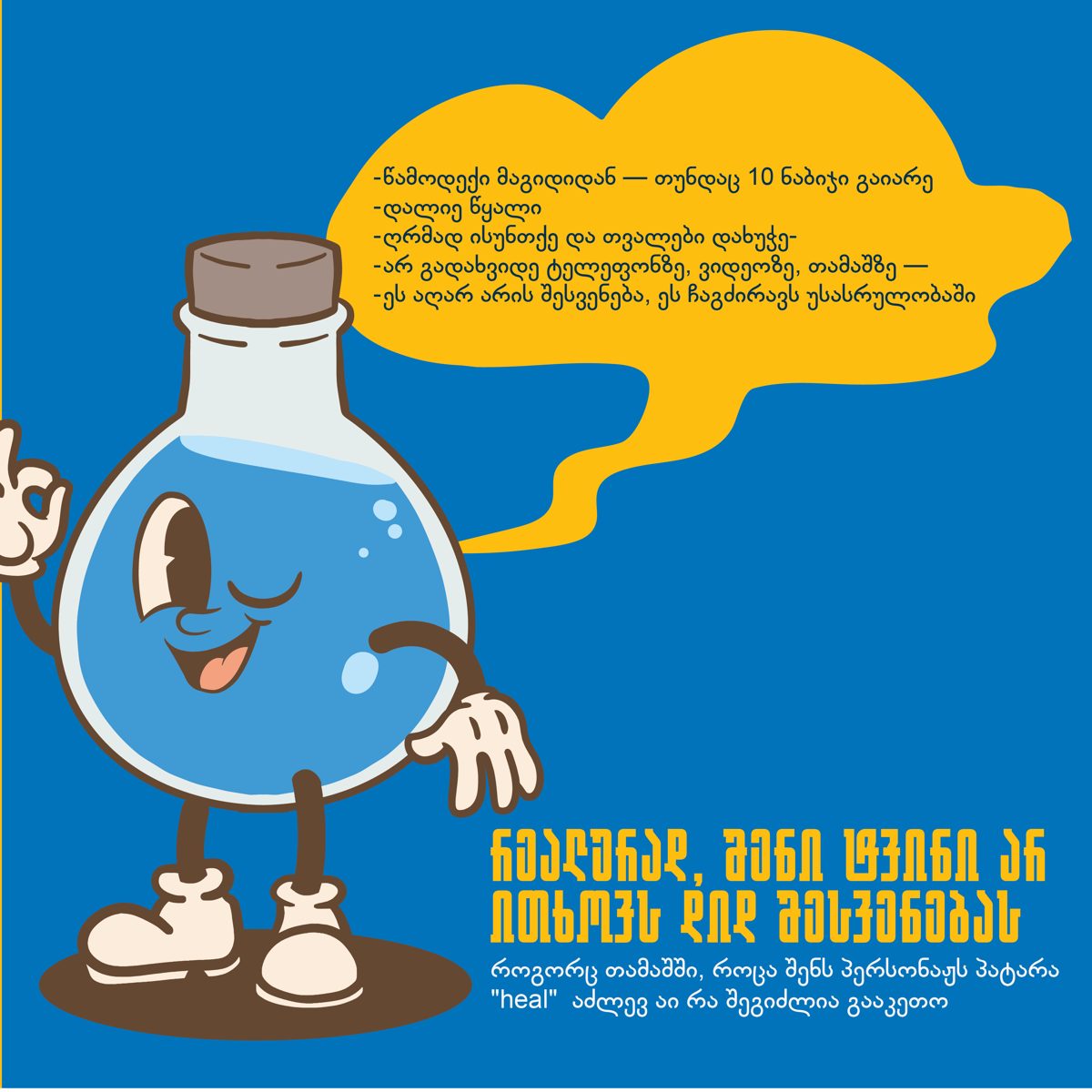
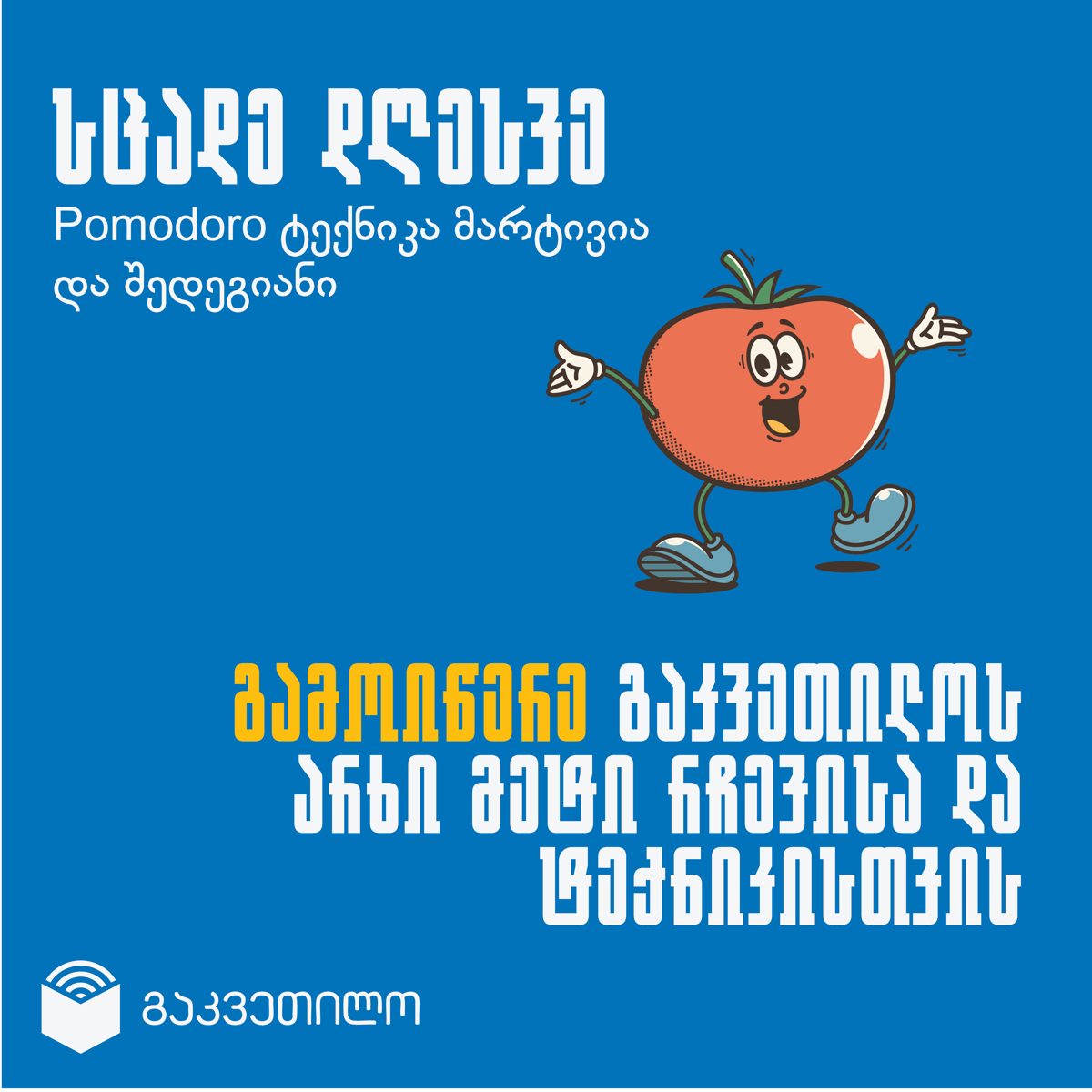
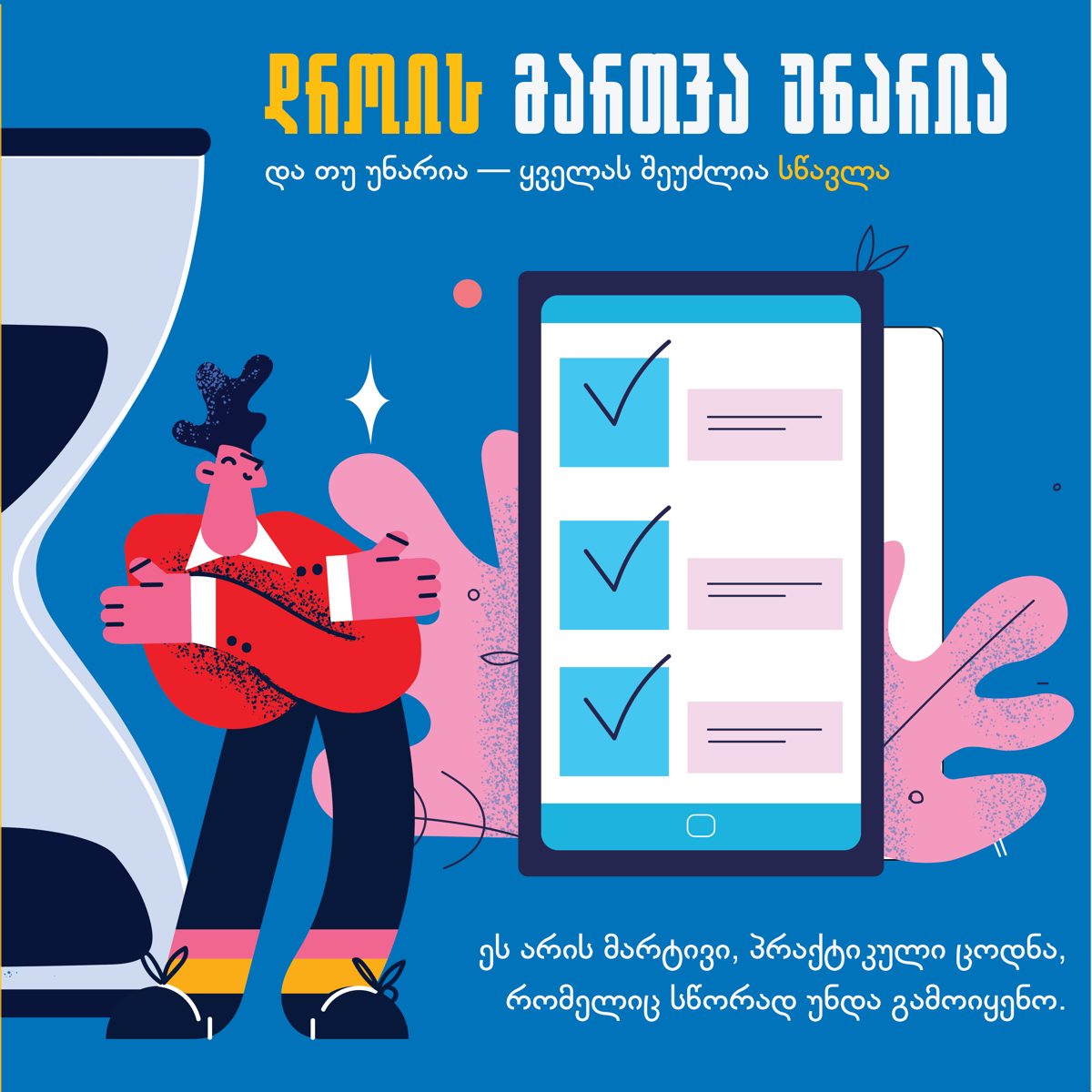
Carousel — About the Pomodoro method

A five-slide explainer on focused sprints and short breaks, made friendly for a young audience.

Pomodoro slide 1 Pomodoro slide 2 Pomodoro slide 3 Pomodoro slide 4 Pomodoro slide 5

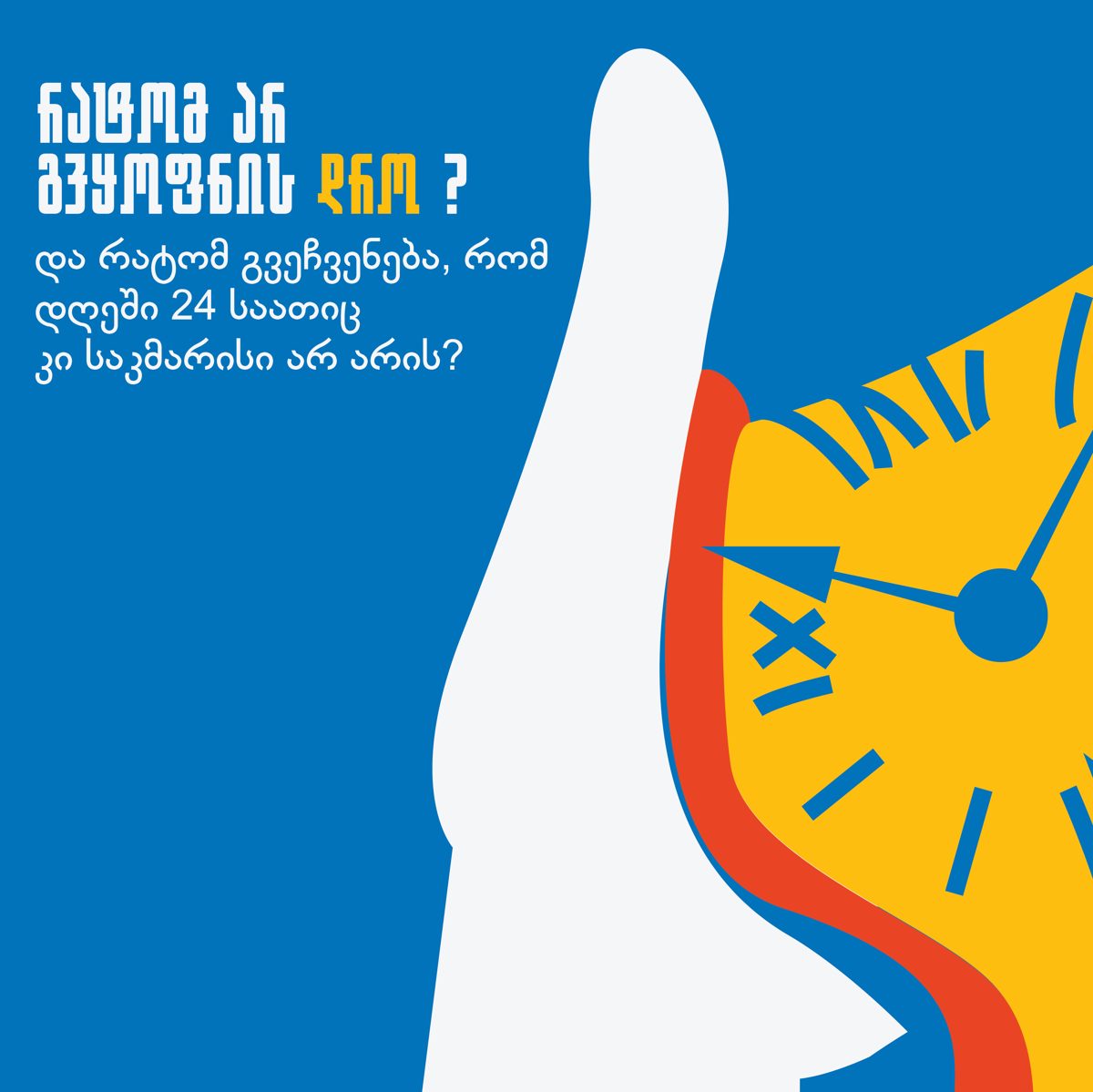
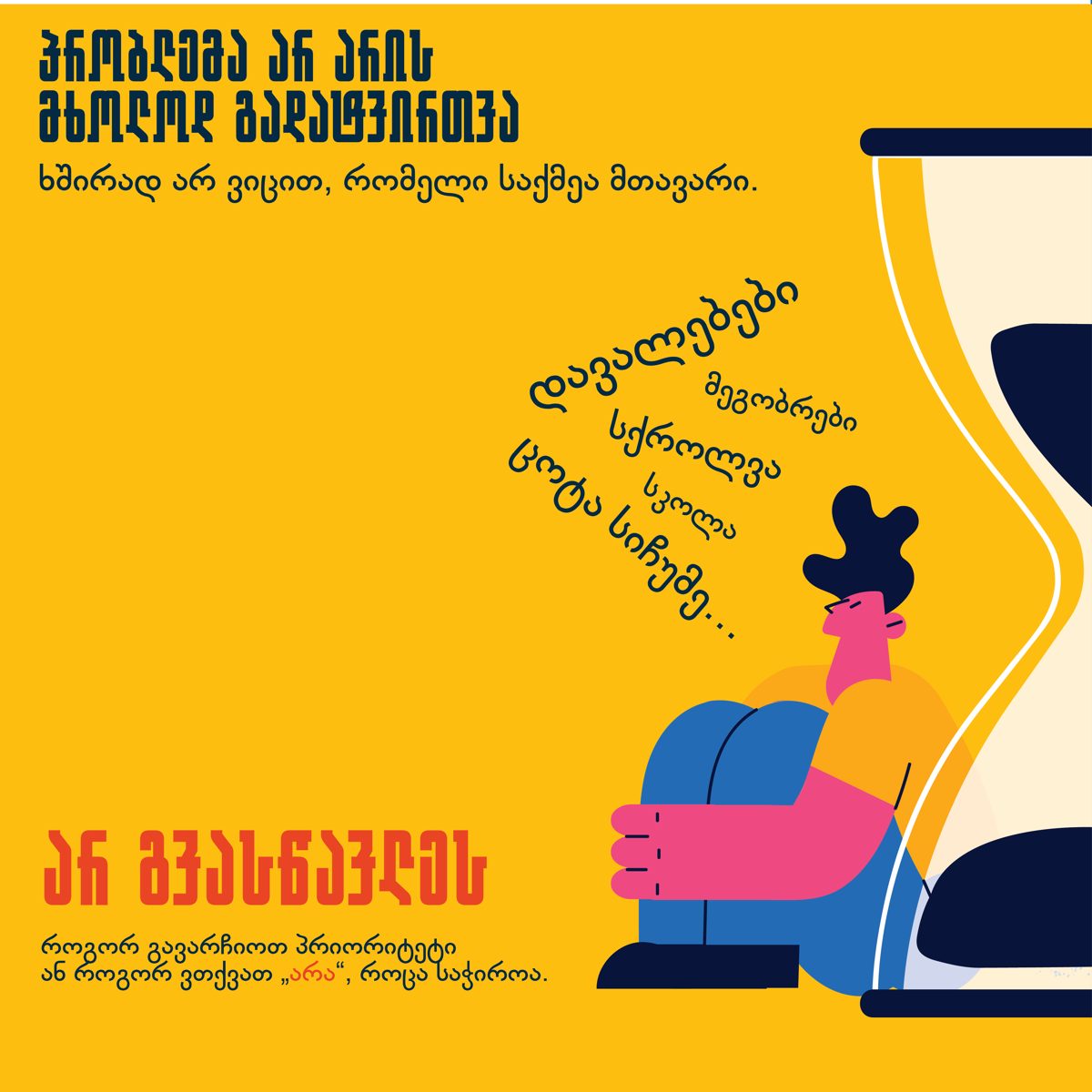
Carousel — Why we don’t have enough time

Five slides on where our time actually goes, and how to take it back.

Time slide 1 Time slide 2 Time slide 3 Time slide 4 Time slide 5

Carousel — Mansa Musa

The story of Mansa Musa, the richest man in history — and how his legendary pilgrimage to Mecca crashed Egypt’s economy by flooding it with gold.

Mansa Musa slide 1 Mansa Musa slide 2 Mansa Musa slide 3 Mansa Musa slide 4

Single posts

Children are not little adults with little rights
Children are not little adults with little rights.
Debate club
Debate club.
I'll play just one game
“I’ll play just one game…”
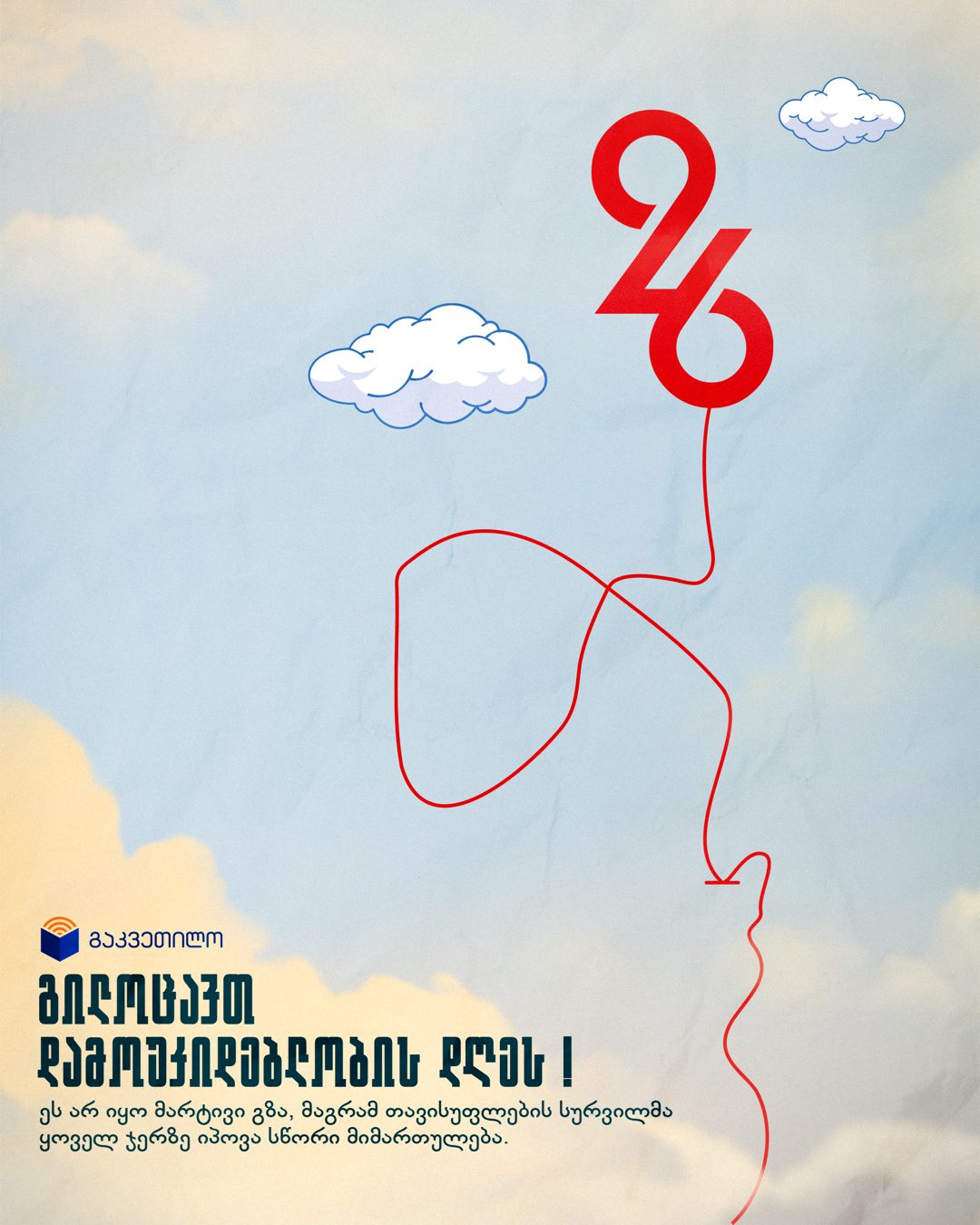
Georgia Independence Day
Georgia’s Independence Day.
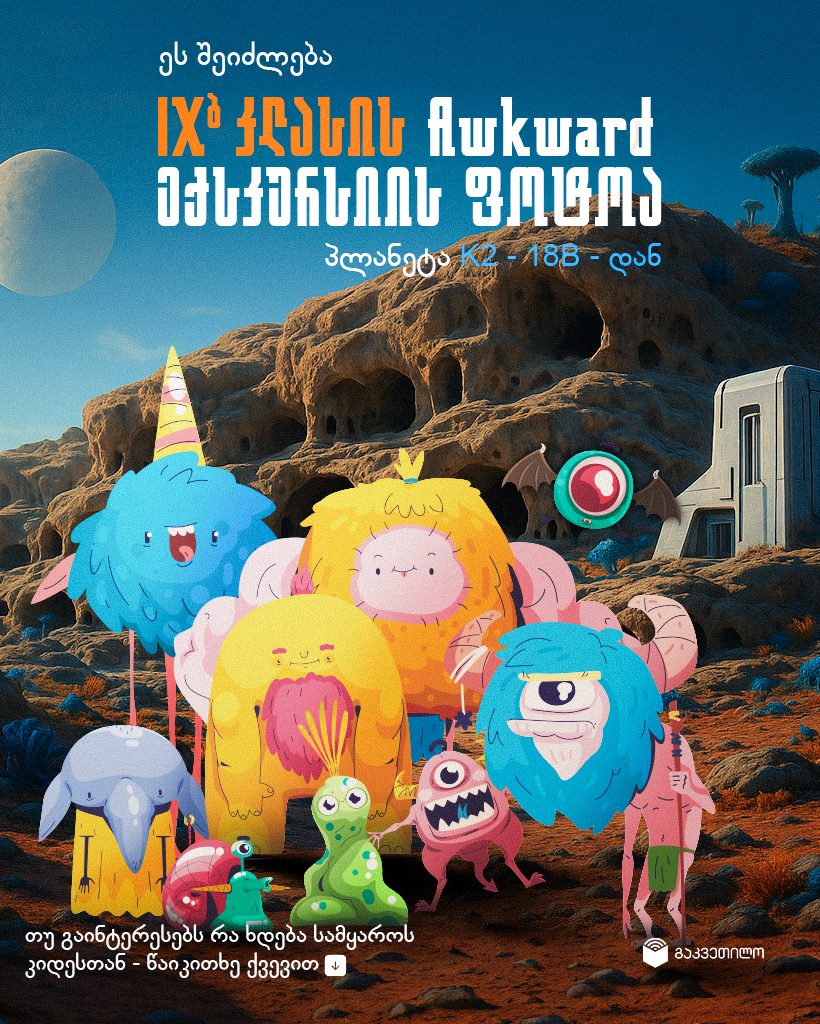
Field trip photo from planet K2-b18
Our squad’s awkward field-trip photo from planet K2-b18.

Earlier work · 2016–2024

Eight years of social, motion and print design from before the AI era — the full archive lives on Behance.

View on Behance →
02

Experience

2025 — now

2D Graphics & Motion Designer · Ruby Labs

Design and ship AI-generated ad creative — video, statics and images — for performance marketing. Just as much, I build the machinery behind it: automated production workflows, custom scripts for Adobe tools, and prompt systems that keep output fast and on-brand.

2022 — 2024

Lead Graphic Designer · Revenue Capital

Led design remotely for a Polish crypto and fintech company, owning everything from social media and web banners to motion, video editing and UI/UX.

2022 — 2023

Founder & Designer · Glacier LLC

Founded and ran a digital marketing agency, handling the full creative stack — content and strategy, motion design, video editing, UI/UX and web development.

2021 — 2022

Lead Graphic Designer · Domino DIY

Led creative across digital and print — social content, web banners and motion design, plus billboards, banners and large-format print.

2017 — 2020

Head of Design Team · OBG

Headed the team producing social media design for several of Georgia's largest companies — posters, banners and campaign graphics.

2016 — 2017

Graphic Design Intern · Betlive

First studio role — sharpening the fundamentals through day-to-day production design.

03

Skillset

Hard Skills

  • SM graphic design
  • Motion design
  • 3D design
  • Poster design
  • Branding
  • UI / UX
  • Video editing
  • Digital marketing
  • AI prompting
  • Generative AI
  • Vibe coding
  • Project management

Tools

  • AI — Claude · Nano Banana · Veo · Kling · ComfyUI
  • Photoshop
  • Illustrator
  • After Effects
  • Premiere Pro
  • Blender
  • InDesign
  • Figma
  • HTML / CSS / JS
  • Notion · Jira · Monday · ClickUp

Languages

  • Georgian — Native
  • English — B2
  • Russian — B1

Soft Skills

  • Teamwork
  • Problem solving
  • Creativity
Let's work together
leozer1121@gmail.com